





Meet the Latest WhatsApp Update: WhatsApp Business Calling API



WhatsApp Business Calling API Use Cases, Benefits and Key Features
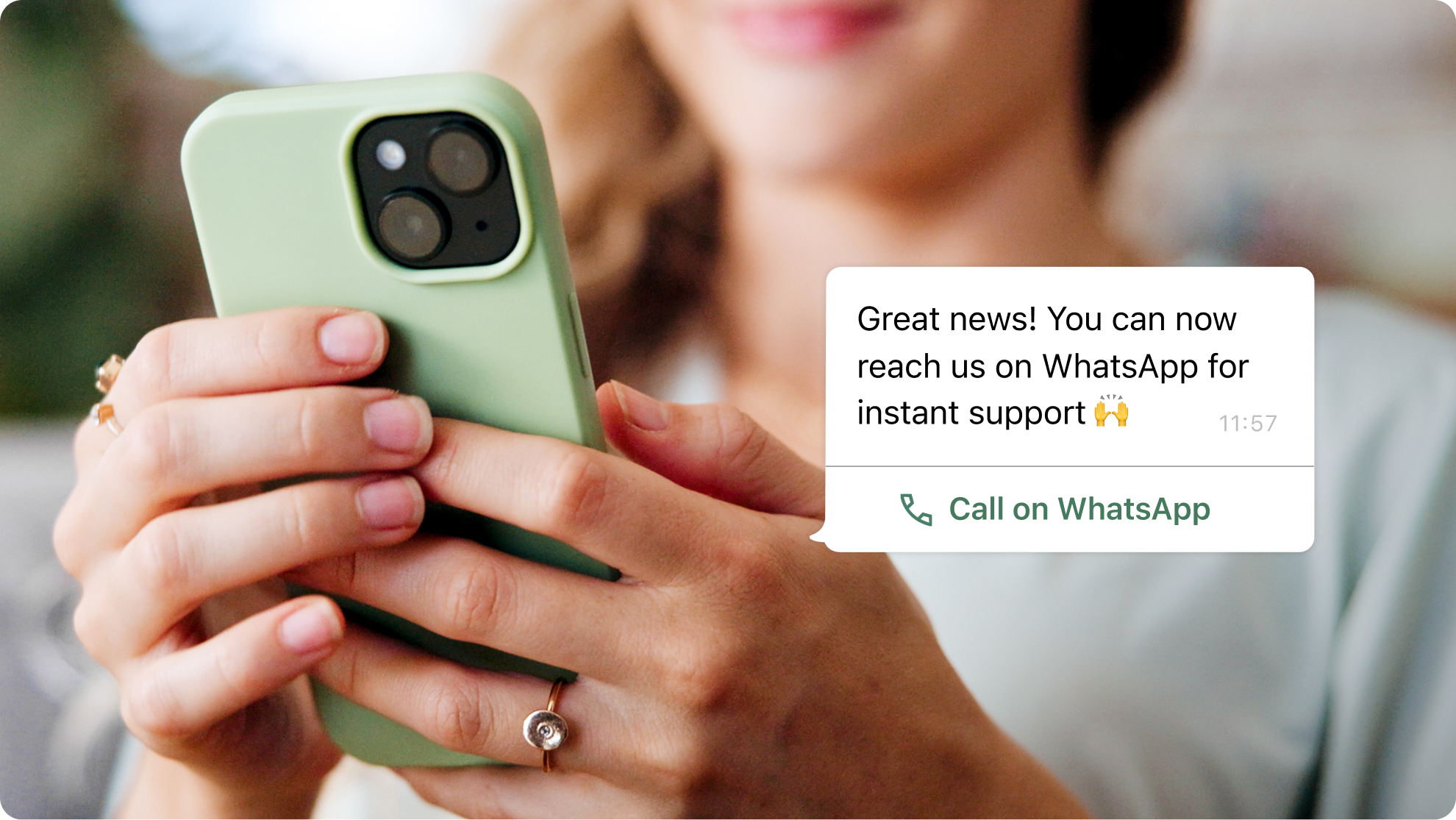
WhatsApp has quietly evolved far beyond messaging. With the introduction of the latest WhatsApp Business Calling API, it allows businesses to add VoIP calling directly into the same WhatsApp conversations their customers already rely on, enabling users to call a business whenever they need extra support and, with proper permission, allowing companies to place outbound calls as well. This shifts WhatsApp from a purely messaging-first channel into a full conversational platform where chat and voice naturally work together.
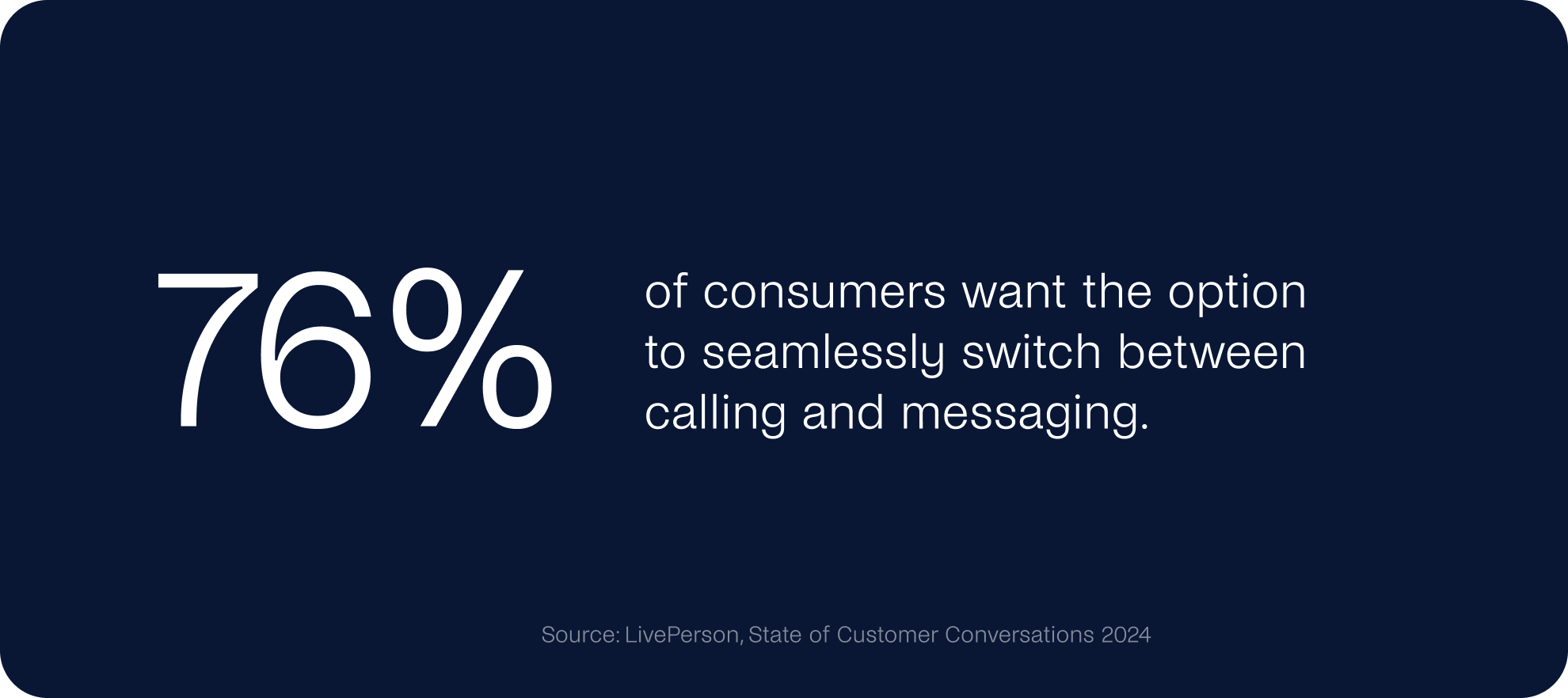
Sometimes a lot of messages are needed to resolve an issue, and a quick conversation is more effective. With this WhatsApp Business Calling API update, companies will have the flexibility to shift to voice when necessary for increased efficiency.
Why It Matters
By integrating this new voice channel into their communication strategy, businesses can create more contextual customer experiences. It allows sales teams to convert leads faster using click-to-call capabilities for high-consideration conversations. In the meantime, support teams gain a seamless escalation path for complex issues and first-contact resolution. And all can stay in the same WhatsApp thread.

Benefits of Using the WhatsApp Business Calling API
These are some of the real, day-to-day advantages businesses start to notice once they turn on WhatsApp voice:
- You solve complicated things faster. Sometimes a chat goes back and forth forever, and nobody gets anywhere. Being able to jump on a quick call inside the same WhatsApp thread saves everyone time and nerves.
- Leads convert more easily. When someone is already interested and just needs one last bit of clarity, a quick call can make the difference. Sales teams can jump in at the right moment and move things forward without losing momentum.
- Your sales cycle doesn’t drag on. Click-to-call buttons and voice workflows mean people don’t have to hunt for a phone number or wait for a callback. They tap once, talk to someone, and move on with their decision.
- The interaction feels more personal. People trust WhatsApp. It’s familiar, it’s secure, and they use it every day. Getting a call through WhatsApp feels far less intrusive than an unknown phone number popping up on the screen.
- Everything stays in one place. No switching between apps, no “remind me what we talked about,” no lost notes. The entire history—messages, calls, details—is right there in one thread for both sides.
- Customers leave happier. When issues get sorted out quickly and without confusion, it naturally leads to better service experiences. People appreciate being helped without having to jump through hoops.
- There are more ways for customers to reach you. Whether it’s a button in the chat, a link on your site, a QR code, or a direct deep link, people can reach the right team without digging for contact info.
- You keep control over when calls come in. Want calls only during business hours? Need to hide the call icon sometimes? Prefer limiting calls to certain messages? You can manage all of that, so your team doesn’t get overwhelmed.
- Your agents work more efficiently. Switching to voice at the right moment cuts down on endless message chains. It makes life easier for your team and gets customers what they need without unnecessary delays.

How to Use the WhatsApp Business Calling API
For Customer Support
- Sometimes a chat just isn’t enough. When the conversation starts dragging or things get a bit tangled, agents can simply switch to a quick voice call inside WhatsApp and clear things up without the back-and-forth.
- Some issues are easier to explain out loud. Technical questions, sensitive situations, anything that needs a bit of nuance — a short call usually solves it faster than typing paragraphs.
- Everything stays in one thread. Messages, call history, extra notes… it’s all in the same WhatsApp chat, so nobody has to repeat themselves or look for missing info somewhere else.
- Customers get help faster. Moving from chat to voice inside WhatsApp feels natural, and they don’t have to wait for a callback or switch apps, which usually means the problem gets resolved sooner.
For Lead Conversion and Nurturing
- Make the sales process feel effortless. Agents can move from chat to call at the perfect moment, keeping the conversation flowing instead of letting momentum die.
- Handle urgent or high value leads properly. When someone is ready to buy but needs clarification, a call often seals the deal much quicker than another message.
- Build trust more easily. People feel safer picking up a call through WhatsApp—it’s a verified, familiar channel—so conversations start on the right foot.
- Speed up the entire funnel. Click-to-call options let prospects reach a real person immediately, removing friction and shortening the time from interest to decision.
- Create stronger relationships. When sales interactions feel personal and timely, customers naturally become more engaged and loyal.
Key Features and Dynamics
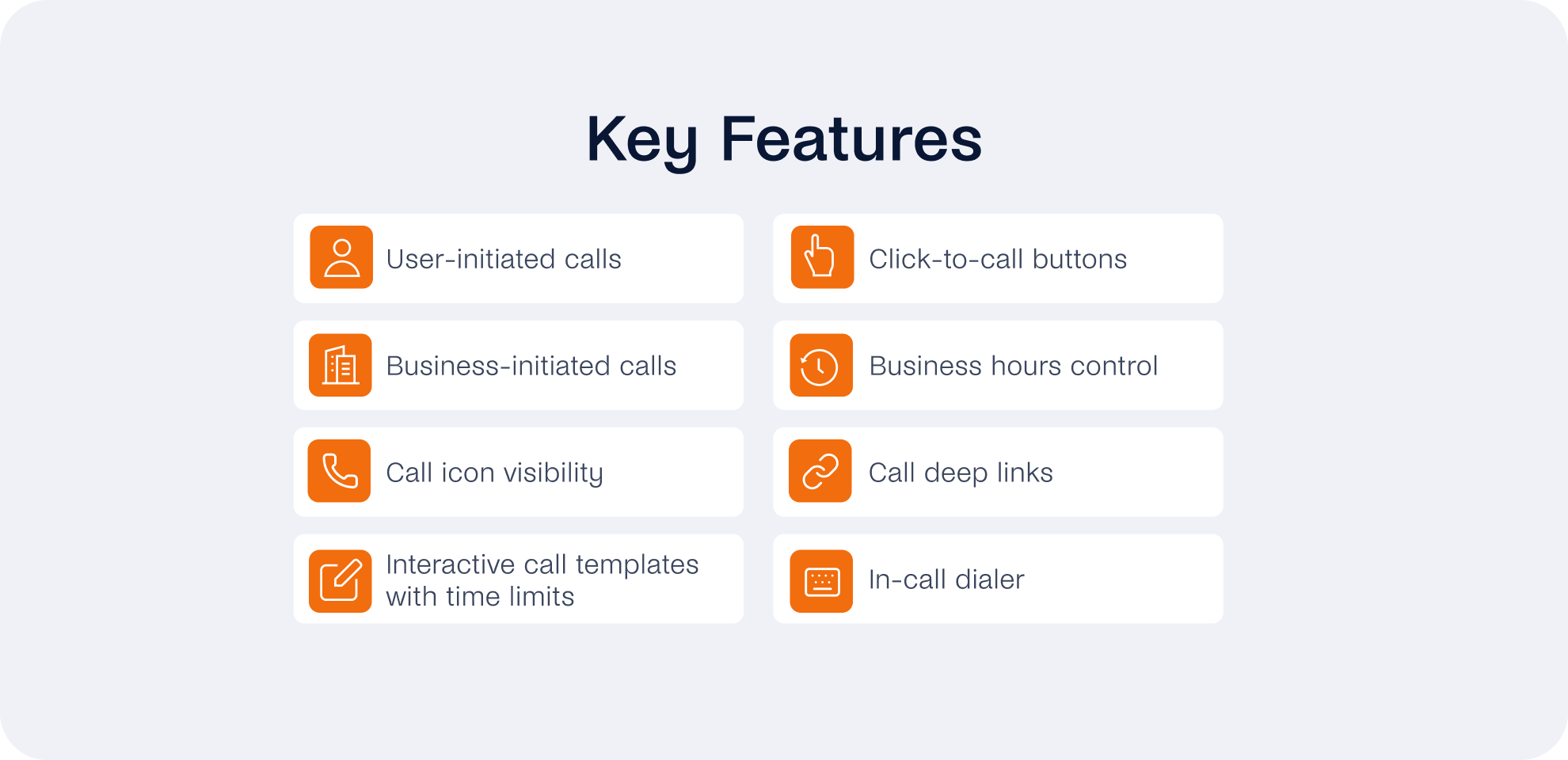
The WhatsApp Business Calling API comes with quite a few options that let you shape the call experience the way your team actually needs it:
- User-initiated calls: Customers can call you straight through WhatsApp, and your team can decide to accept, reject, or end the call right there.
- Business-initiated calls: If you need to reach out, you can request permission inside WhatsApp before placing an outbound call, keeping the process clear and transparent for the customer.
- Call icon visibility: You don’t have to keep the call button visible all the time. If things get busy or you don’t want people calling for certain types of inquiries, you can just switch it off and bring it back when it makes more sense.
- Interactive call templates with time limits: These are pretty useful when you only want calls during certain hours. Once the time window closes, the template basically stops nudging people to call, so you don’t end up with customers trying to reach you late at night.
- Click-to-call buttons: Sometimes people just want to talk instead of typing. A one-tap call button inside your messages makes that easy, and it can really speed things up—especially when someone is already mid-conversation.
- Business hours control: You can set the hours when your team is around to answer. That way, customers aren’t left wondering why no one is answering when they try calling outside your working hours.
- Call deep links: These links can go almost anywhere—your site, your app, emails, even a QR code stuck on a poster. When someone taps one, it opens a WhatsApp call straight to your business, no hunting for a number.
- In-call dialer: If you use a phone menu or IVR, callers can get through it right inside WhatsApp using the dial pad or the interactive menu. They don’t have to leave the app or switch to anything else.
Pricing
The WhatsApp Business Calling API comes with a simple permission and pricing model.
For outbound calls: Businesses must first request the customer’s consent within an active conversation; only one request is allowed every 24 hours and up to two per week. Once the customer agrees, the business has a 72-hour window to place the call. Calls initiated by the business will be charged depending on the customer’s county, duration, and the volume of calls made in total.
For inbound calls: Customers can also initiate calls at any time by tapping a call button or link shared in WhatsApp, making it easy to route them to the right team. In terms of cost, all inbound calls are free.
Ready to start using the WhatsApp Business Calling API with tyntec?
For the existing tyntec customers, you can contact your account manager who will guide you through the process.
If you haven’t worked with tyntec before, you can get in touch with us here.